Communication impact
Help visitors find the information they need at reception
Someone arriving at a service desk may need to know which queue is moving, where to go, or when a service opens. A screen can answer those questions while also carrying welcome messages, news, local notices, and video. Its usefulness depends on what remains visible, what can take turns, and who keeps each part current.
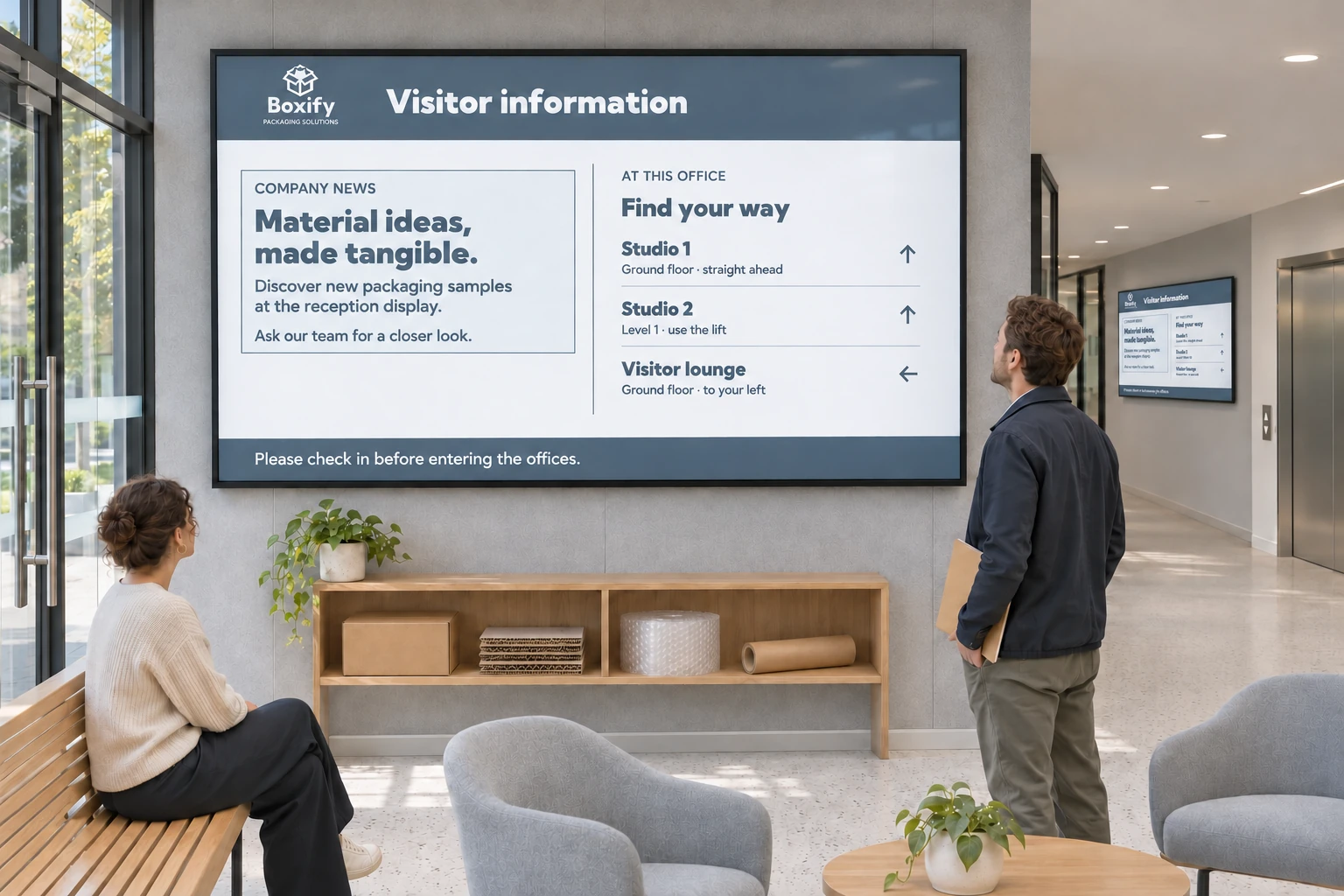
Start with those questions rather than fitting every message onto one reception slide. Queue information can disappear behind a promotion in a rotating playlist, while a screen full of generic company news may leave visitors asking staff for the same directions all day.
Give each kind of information a place
When messages can take turns, a single-zone playlist may be sufficient. When queue status and notices must appear together, a screen layout can provide several Channel areas. Each area plays content from its assigned channels, with bookings controlling the messages and their timing.
That separation also helps the people maintaining the screen. A communications team can own the common presentation and news; reception staff can update local announcements; and a connected system can supply changing service information. Updating opening hours then need not mean redesigning the whole display.
Choose how to bring in each source:
| Information available | A possible approach |
|---|---|
| An existing hosted queue, room, dashboard, or public-information view | Show it as webpage media. |
| Structured fields from an information system | Connect a template data source and display those fields in a designed template. |
| Notices, static wayfinding, documents, images, video, or smart media | Schedule the media through ordinary bookings. |
A queue view still needs a suitable external queue system; Smartsign does not supply queue management itself. Choose the approach according to the data or hosted view the source can provide. For secured pages, check the page, player, network, and authentication together, then test on the actual device. The Webpages guide describes playback and login settings.
Example solution: a shared reception layout
Several offices can use one layout with a theme-based logo and a Company news channel area. The central team maintains that design and news. A second area displays Local announcements, supplied by each office through its screen folder.
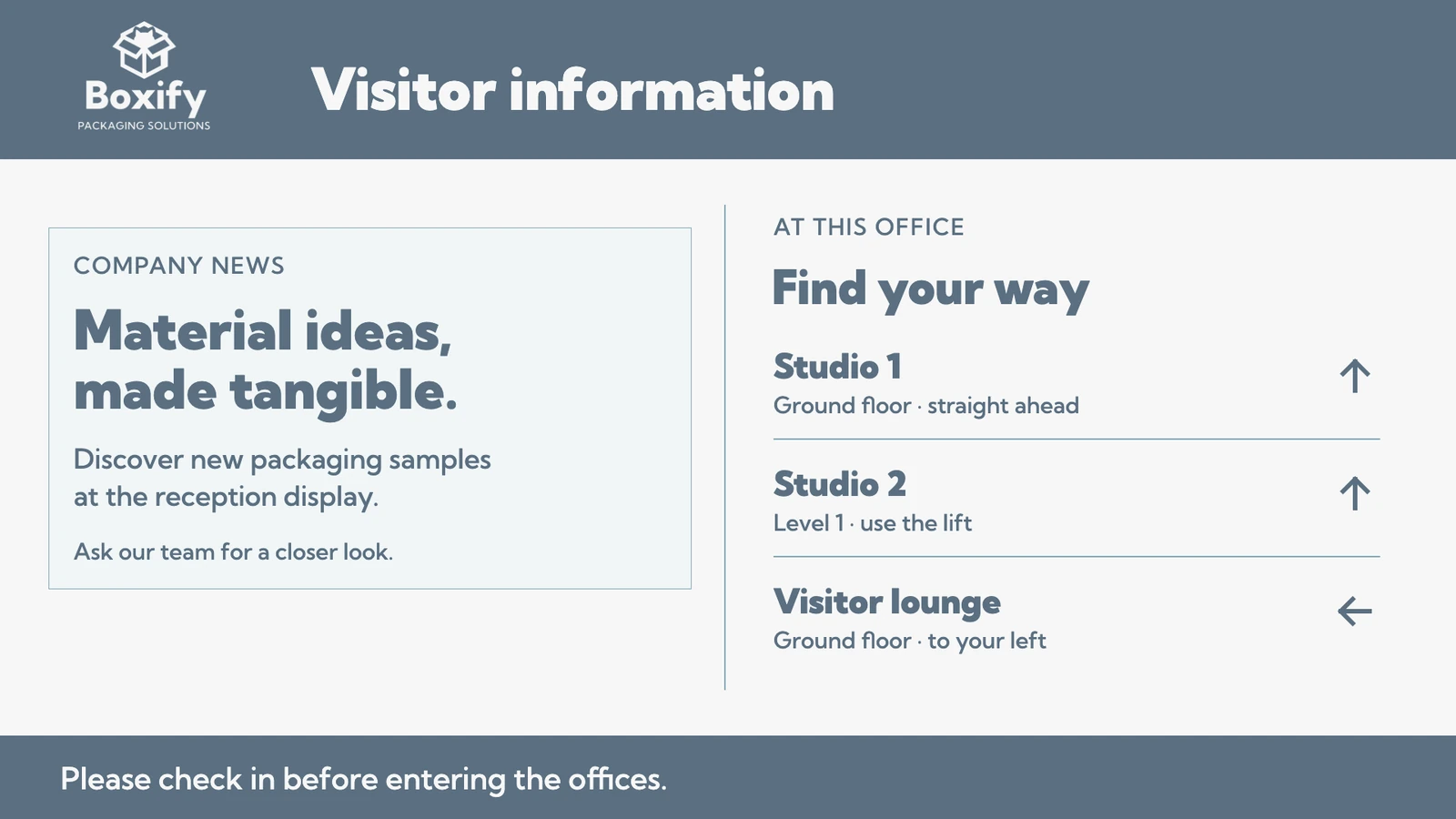
The shared channel is saved in the layout. The local area's channel assignment is left empty there, so the office can supply it through its folder. Channels added on a folder or screen play alongside those saved in the layout; they do not replace them. Changing a saved channel in the shared layout affects every screen using it.
Folder assignments apply to screens inheriting the folder's Channels & layout setting. An individual override can provide an exception, but it also stops that screen following the folder's setting. Apply a screen layout explains those assignment choices. Keep the layout and media in the Media Library, then schedule each area's content into its channels.
Adapt the information to the visit
The same arrangement can support quite different places:
- An office lobby: company news, a welcome message, and local announcements.
- A municipal service office: a queue view, opening hours, and public notices.
- A healthcare waiting area: central information and ward-local notices, selected for the people watching and maintained by the responsible staff.
- A shop or hotel reception: service information beside advertising, background imagery, or video.
For healthcare and other distributed teams, group access and publishing permissions keep the shared and local information under appropriate control. Live TV and patient-room streams involve a separate playback choice; review Video streams before including them.
Suitable Marketplace templates and layouts can provide a starting design. If a visitor needs to choose a destination or service, an interactive template can offer that choice once a designer with the required access has configured the responses. Static information can remain ordinary scheduled content.
Before introducing the display, agree who updates each source and check that a local change reaches the intended area without disturbing the rest. Other use cases can help identify information worth adding once the basic reception questions are covered.